Why Is My PC So Lagging? (And How to Fix a Slow Computer)
- Coltin IT Solutions

- Dec 12, 2025
- 3 min read

There is nothing more frustrating than turning on your computer and having enough time to boil the kettle, make a cup of tea, and find a biscuit before it is actually ready to use.
We hear it all the time from our clients in Bendigo: "My computer used to be fast, but now it’s crawling."
Many people assume a slow computer means it is "broken" or needs to be replaced with an expensive new model. But that is often not the case. Most of the time, the hardware is fine—it just needs a bit of spring cleaning.
If you are looking to fix a slow computer but don't know where to start, here is a simple, jargon-free guide to what is happening inside your machine.
Common Reasons You Need to Fix a Slow Computer
Computers slow down for a few specific reasons. Understanding them is the first step to solving the problem.
1. Too Many "Startup" Programs
When you turn your computer on, it isn't just loading Windows; it is often loading Skype, Spotify, an old printer tool, and that photo app you haven't used in three years. These are called "Startup Programs." They all fight for attention the moment you press the power button, slowing everything down.
2. The Hard Drive is Full (or Old)
Think of your computer's hard drive like a filing cabinet. If the cabinet is stuffed full of papers, it takes longer to find the document you need. If your drive is full of old photos and files, your computer struggles to find what it needs to run.
Additionally, older computers use mechanical hard drives (HDD). Replacing these with a modern Solid State Drive (SSD) is the single most effective way to fix a slow computer—it can make an old laptop 10x faster!
3. Dust and Overheating
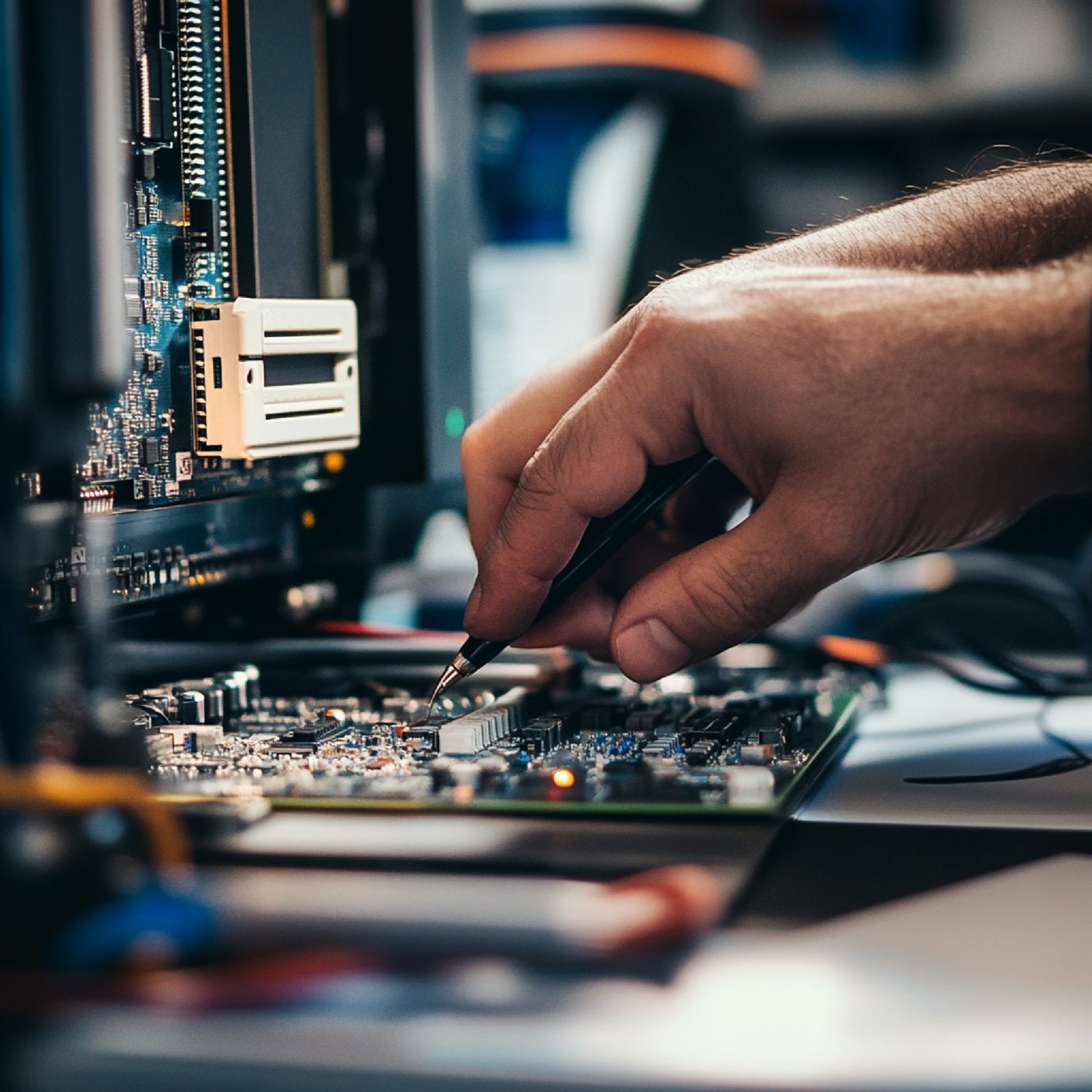
If your computer sounds like a jet engine taking off, it is likely overheating. Dust builds up inside the case and blocks the fans. When a computer gets too hot, it deliberately slows itself down to prevent the electronics from melting.
4. Viruses or Malware
Sometimes, slowness isn't caused by age—it’s caused by a nasty piece of software running in the background without you knowing. Viruses and spyware steal your computer's power, making everything else sluggish.
3 Simple DIY Steps to Fix a Slow Computer
Before you call for help, there are a few safe things you can try at home.
Step 1: The "Real" Restart
It sounds like a cliché, but turning it off and on again actually helps. However, simply closing your laptop lid doesn't count! You must go to the Start Menu and click Restart. This clears out the temporary memory and gives the system a fresh start.
Step 2: Clear Your Recycle Bin
Deleted files sit in your Recycle Bin until you empty it. Right-click the bin icon and select "Empty Recycle Bin" to free up some space.
Step 3: Run a Virus Scan
If you have antivirus software installed, open it and click "Scan." This can catch any obvious issues slowing you down.
When to Call the Professionals in Bendigo
If you have tried the basics and the spinning wheel of death is still appearing, it might be time for a professional tune-up.
At Coltin IT Solutions, we specialise in fixing slow systems and startup problems for home users. We can:
Disable unwanted startup programs safely.
Clean out digital "junk" files.
Upgrade your old hard drive to a super-fast SSD.
Physically clean dust from your fans.
We promise no confusing jargon—just patient, friendly help to get you back online.
Don't struggle with a slow machine. Mention this blog for a Free Computer Health Check.
Call Coltin IT Solutions: (03) 4432 8384 Location: Bendigo, Victoria


Comments